
What Should I Look For in a Learn-to-Read App?

Quick & Easy Less Than 10 Min Assessment To Find Where Your Child May Be Falling Behind
Fill out the form and we’ll send you a free assessment to help you identify your child’s strengths and possible areas for growth.
A good learn to read app teaches letter sounds and blending in a clear, step-by-step order, gives your child words they can actually sound out, and moves forward only when a skill is solid. Look past the stars, coins, and cartoons and ask one question: is my child reading more real words at the end of each session than at the start?
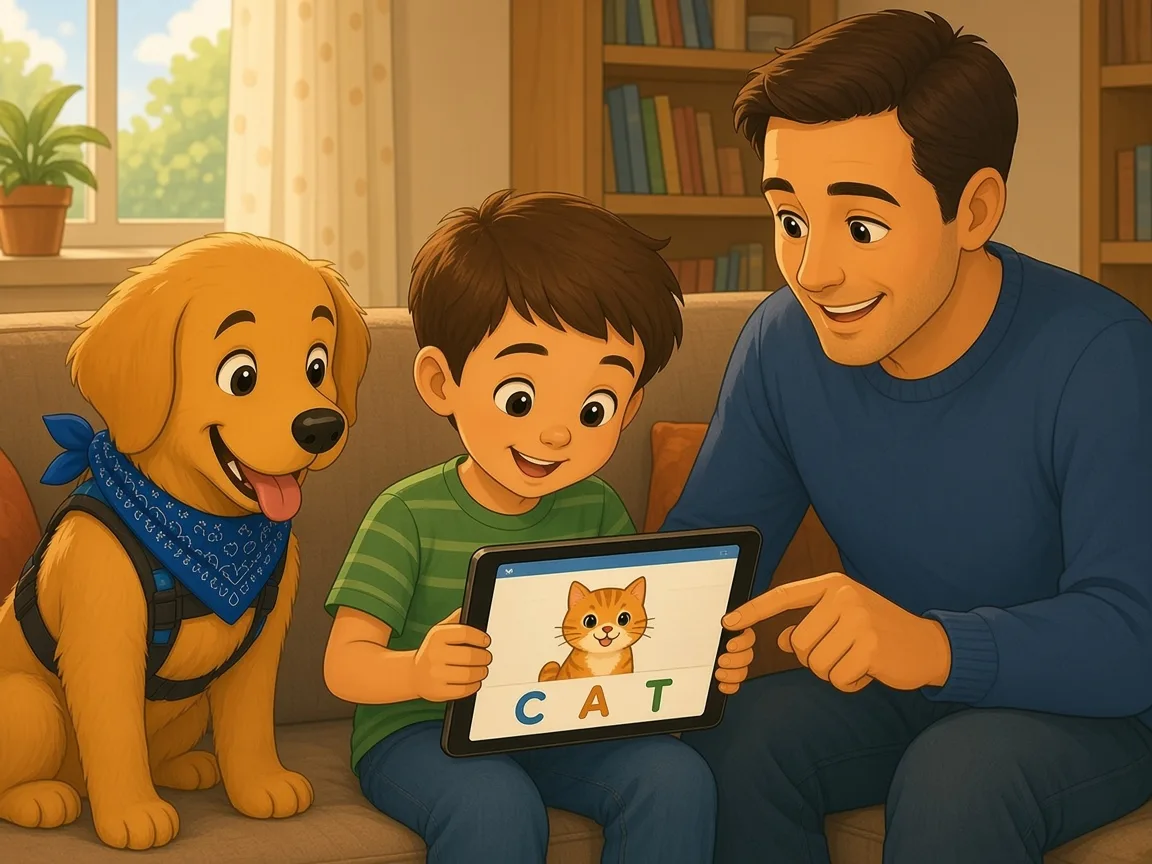
The app store is full of reading apps for kids, and most of them look cheerful and promise a lot. Some do a careful job of teaching reading. Others are mostly games with a few letters sprinkled in. Here is how to tell the difference before you spend your child’s practice time, and how to use any app so it actually helps.
What Should a Learn-to-Read App Actually Teach?
Learning to read is learning a code. Children have to hear the separate sounds in spoken words, connect those sounds to letters, and blend the letters into words. A helpful app teaches that code directly instead of hoping your child picks it up.
Look for an app that covers these skills:
- Phonemic awareness: hearing and playing with sounds, such as the first sound in “sun” or the three sounds in “map”.
- Letter sounds: the sound each letter makes, not only the letter names or the alphabet song.
- Blending: putting sounds together to read a word, like /c/ /a/ /t/ into “cat”.
- Spelling patterns in order: short vowels, then blends like “st” and “fl”, digraphs like “sh” and “ch”, then long vowel patterns, one step at a time.
- High-frequency words: common words such as “the” and “said”, taught by looking at the sounds and letters, not by memorizing shapes.
- Reading real sentences: short texts built from the sounds your child has already learned, so they can read them on their own.
Signs of a Good Learn-to-Read App
It follows a clear sequence
Skills should come in a planned order, and each lesson should build on the last. If the app jumps from letter “b” to long words with silent letters, your child will end up guessing.
It asks your child to sound out words
Watch a session. Your child should be saying sounds, building words, and reading them. If most of the time goes to tapping pictures, dressing up characters, or watching animations, the reading part is small.
It uses decodable text
Decodable books and sentences use mostly the letter patterns your child has learned. They let a beginner read by sounding out instead of guessing from pictures. Be cautious with an app that encourages children to look at the picture to figure out a word.
It reviews old skills
Children forget sounds they practiced once. A good app brings earlier sounds and words back again and again until they are automatic.
It adjusts to your child
The app should notice mistakes and give more practice on that skill, rather than moving ahead on a timer. A short placement check at the start is a good sign.
It shows you what your child has learned
You should be able to see which sounds and patterns your child knows and where they are stuck, in plain words. That helps you and your child’s teacher work on the same thing.
Red Flags to Watch For
- Rewards and mini-games take up more time than reading.
- Your child can win by tapping fast or guessing.
- Words are taught only as whole shapes to memorize, with no attention to the sounds.
- Your child is told to guess a word from the picture or the first letter.
- Lots of ads or in-app purchases interrupt the lesson.
- Your child’s progress is hard to find or unclear.
How to Use a Reading App So It Really Helps
- Keep sessions short. A focused 10 to 15 minutes usually does more than a long session where your child stops paying attention.
- Sit with your child some of the time. Listen as they sound out words. You will learn what is easy and what is hard for them.
- Move the skill off the screen. If the app taught “sh” today, hunt for “sh” words on cereal boxes, signs, and in a book at bedtime.
- Keep reading real books together. An app can give practice, but talking about stories and hearing you read aloud builds vocabulary and a love of books that no app replaces.
- Check progress every few weeks. Ask your child to read a short list of words or a simple page. If they are not reading more words than before, change the plan.
Free games can help too. Try our free reading and math games for kids, and see which sight word games actually help kids remember words.
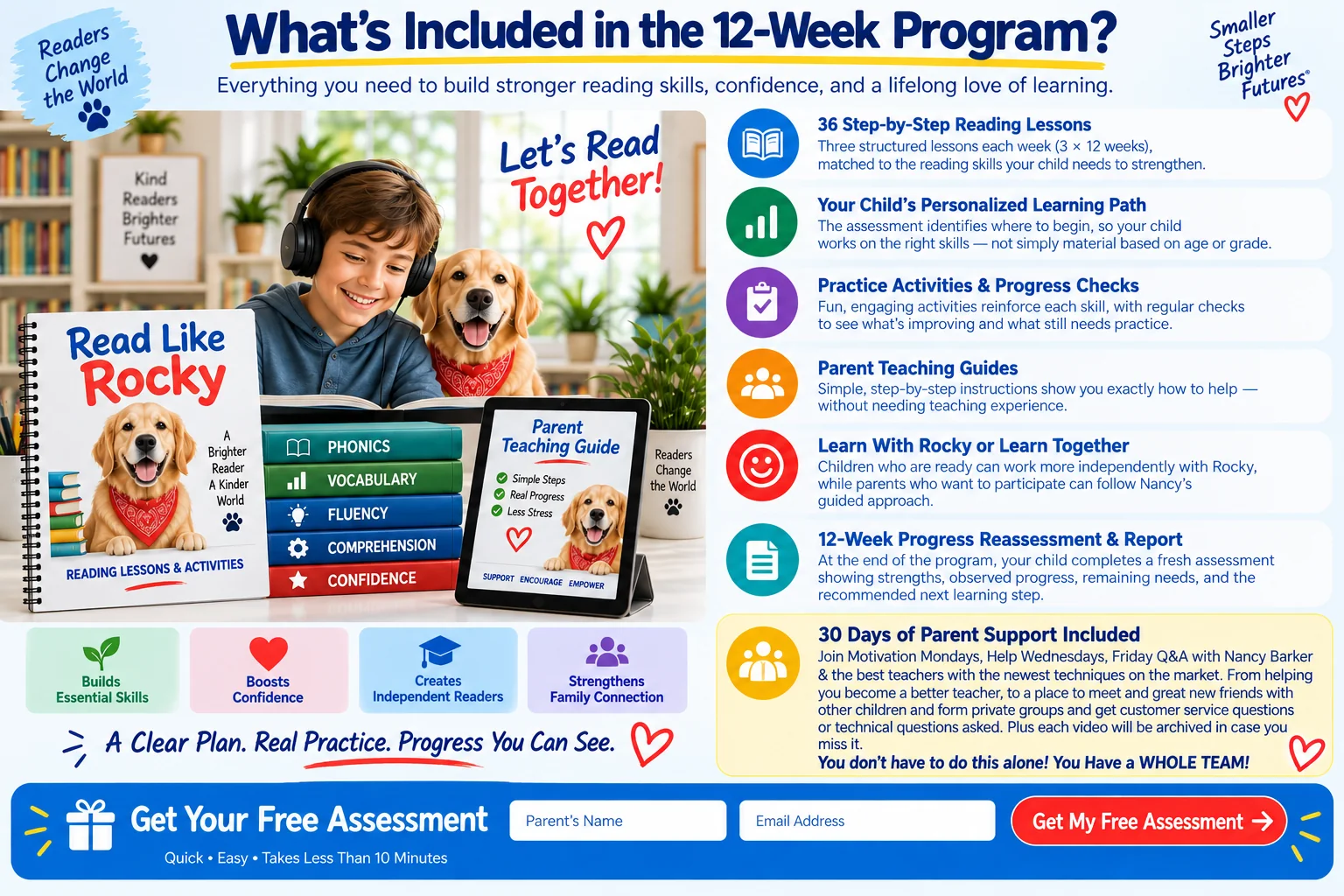
What’s Included in the 12-Week Program?
Everything you need to build stronger reading skills, confidence, and a lifelong love of learning.
- Step-by-Step Reading Lessons Structured lessons matched to the reading skills your child needs to strengthen.
- Your Child’s Personalized Learning Path The assessment identifies where to begin, so your child works on the right skills — not simply material based on age or grade.
- Practice Activities & Progress Checks Fun, engaging activities reinforce each skill, with regular checks to see what’s improving and what still needs practice.
- Parent Teaching Guides Simple, step-by-step instructions show you exactly how to help — without needing teaching experience.
- Learn With Rocky or Learn Together Children who are ready can work more independently with Rocky, while parents who want to participate can follow Nancy’s guided approach.
- 12-Week Progress Reassessment & Report At the end of the program, your child completes a fresh assessment showing strengths, observed progress, remaining needs, and the recommended next learning step.
- Parent Support Included Join Motivation Mondays, Help Wednesdays, Friday Q&A with Nancy Barker. You don’t have to do this alone! You Have a WHOLE TEAM!
Quick & Easy Less Than 10 Min Assessment To Find Where Your Child May Be Falling Behind
Fill out the form and we’ll send you a free assessment to help you identify your child’s strengths and possible areas for growth.
When an App Is Not Enough
An app works best for practice and for children who are already making steady progress. If your child still cannot connect letters and sounds after weeks of practice, avoids reading, guesses at most words, or is falling behind classmates, they may need more direct teaching. Our articles on why a child struggles to sound out words, whether your child needs a reading tutor, and what Orton-Gillingham is can help you decide what to try next.
Please note: No app can diagnose a reading difficulty. If you are worried about your child’s reading, speech, hearing, vision, or attention, talk with your child’s teacher or pediatrician. In the United States you can also ask your child’s public school, in writing, for a reading evaluation.
Frequently Asked Questions
What age should a child start using a learn to read app?
Many children start practicing letter sounds around ages 4 to 5, but readiness matters more than age. If your child enjoys rhymes, notices letters, and can sit for a few minutes, short app sessions with you nearby can be a good start.
Can a child learn to read from an app alone?
Some children make good progress with a well-built app, but most learn best when an app is paired with reading real books with an adult. A parent listening and talking about what they read adds a lot that a screen cannot.
How much time should my child spend on a reading app each day?
Short, regular practice usually works better than long sessions. Around 10 to 15 focused minutes most days is a reasonable place to start, then adjust to your child’s attention and progress.
Are free reading apps any good?
Some free apps are well made and some are mostly ads and games. Judge a free app the same way as a paid one: does it teach sounds in order, have your child sound out real words, and show you their progress?
How do I know if a reading app is working?
Every few weeks, have your child read a short set of words or a simple page without help. If they read more words correctly and more smoothly than before, the app is helping. If not, try a different approach or ask for help.
Find Out Where Your Child Is Today
Before you pick any app or program, it helps to know your child’s starting point. Read Like Rocky, a 12-week program created by Dr. Nancy Barker, Ed.D., who has 49 years in education, starts with a free reading assessment that shows your child’s strengths and focus areas, so you know which skills to practice next. You can also read how to test your child’s reading level at home.
Find out where your child should start
About the author: Dr. Nancy Barker, Ed.D.; 49 years in education; Pepperdine literacy professor; creator of Read Like Rocky.
Research: Barker, N. (2011). Doctoral dissertation on Response to Intervention, Pepperdine University. Pepperdine Digital Commons.
This article is educational and not a medical or clinical evaluation. If you are concerned about your child, talk with your child’s teacher or pediatrician.
Quick & Easy Less Than 10 Min Assessment To Find Where Your Child May Be Falling Behind
Fill out the form and we’ll send you a free assessment to help you identify your child’s strengths and possible areas for growth.